Furniture dropshipping with WooCommerce — orders and tracking numbers generated automatically
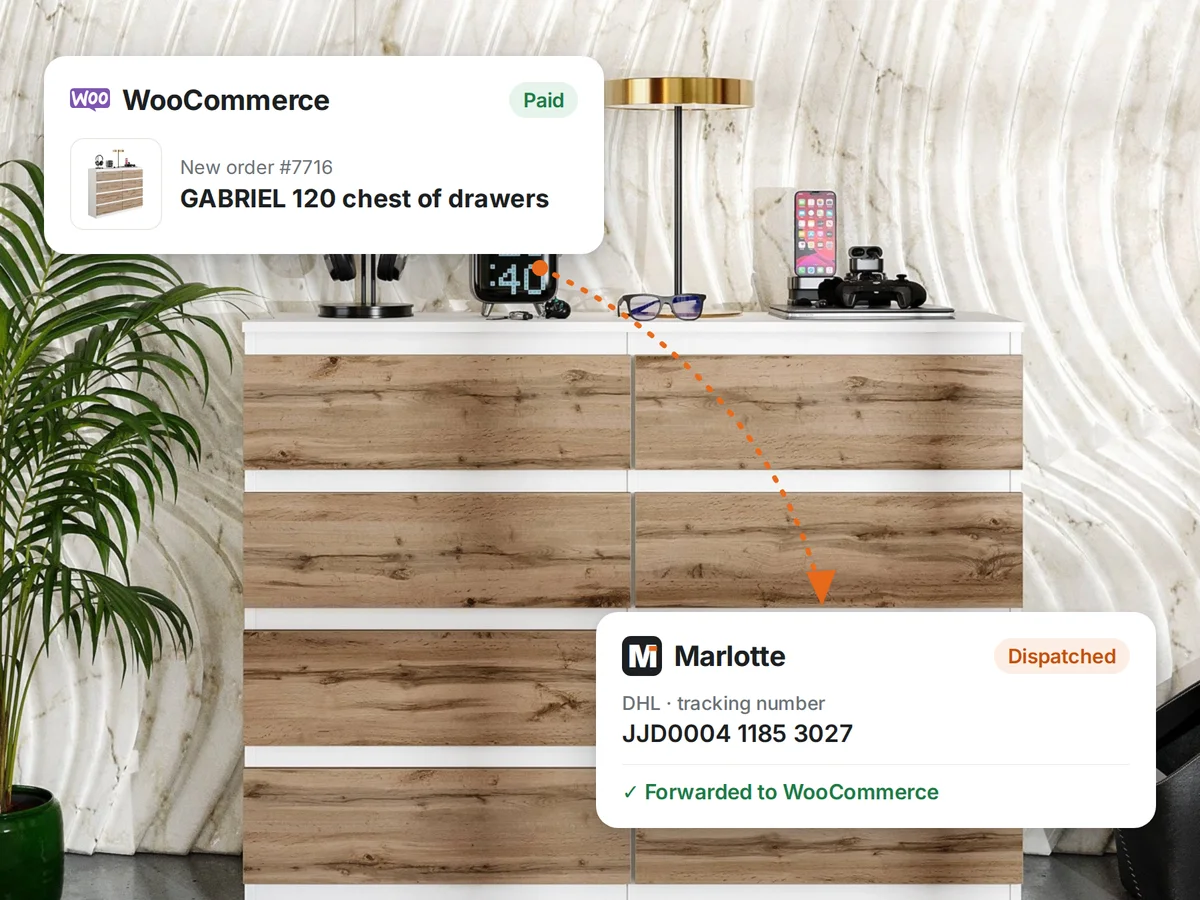
You enter your WooCommerce shop’s REST API key into the portal. From then on, orders containing our products are automatically sent to us, and the tracking number is added to the order.
Become a partnerYou only need to set this up once: partner portal → “Connect your shop”.
 WooCommerce
What are the benefits?
- Paid orders containing our products (with the status “Processing”) are automatically sent to us every 5 minutes.
- Once the parcel has been dispatched, the customer receives a note containing the tracking number and a tracking link, and we also record the number in the order tracking details.
- An order containing only our products is marked as “Completed”.
- You can import products into WooCommerce from our CSV file in the WooCommerce format.
What you get
- Furniture without your own warehouse. Products with descriptions in 15 languages, photos, stock levels and prices from your price list — all via a single link to a file that your shop will load.
- We dispatch directly to your customer from our warehouse in Elbląg. The parcel does not contain our invoice, prices or any advertising.
- We only accept orders for our own products and only our own items. We do not process any other orders, and we always calculate the price based on your price list as provided to us.
- You can view the status of each order on the partner portal.
How to connect your shop to Marlotte
- In WordPress, go to WooCommerce → Settings → Advanced → REST API and click “Add key”.
- Description: “Marlotte”, permissions: Read/Write → “Generate API key”.
- On the partner portal (“Connect your shop” → WooCommerce), paste in your shop’s URL, key and secret, click “Check connection”, and then “Save and switch on”.
Good to know
- The SKUs for our products in your shop must be the same as those in our product file.
- The shop must operate via HTTPS.
- We do not handle cash-on-delivery shipments — such orders are not forwarded to us.
Marlotte in numbers
Frequently Asked Questions
Do I need a plug?
No. A standard WooCommerce REST API key is all you need.
Do you collect all my orders?
No. We only accept orders for our own products and only our own items. We do not charge the shop’s retail prices.
When does an order from my shop reach Marlotte?
Once it has been paid for, it will show as “Processing”. We check the shop every 5 minutes.
What if there are other products in the order as well?
We only collect our own items. The customer receives a note with the tracking number, and you update the order status yourself once you’ve sent the rest.
Become a Marlotte partner
Register your business — once we’ve approved your application, you’ll gain access to the partner portal, the price list and a step-by-step guide. Already have an account? Log in to the portal and select “Connect your shop”.
Become a partnerSee also
- Dropshipping: integrations
- Dropshipping: terms and conditions for partners
- Dropshipping in JTL-Wawi
- Dropshipping furniture via Shopify
- Dropshipping furniture with Shopware
- Furniture dropshipping with PrestaShop
- Furniture dropshipping with Base (BaseLinker)
- Dropshipping furniture with Shoper
- Furniture dropshipping API