JTL-Wawi: dropshipping with a furniture manufacturer — orders without re-entering details
Do you sell furniture and manage orders in JTL-Wawi? Install our “Marlotte” app in JTL Hub, and your customers’ orders for our products will be automatically sent to us, whilst the parcel tracking number will be automatically returned to JTL. If you’re not using the JTL cloud, you can send orders by email as an XML file. We dispatch furniture from our warehouse in Elbląg directly to your customer.
Become a partnerStep-by-step instructions are available on the partner portal (“Connect your shop” → JTL-Wawi).
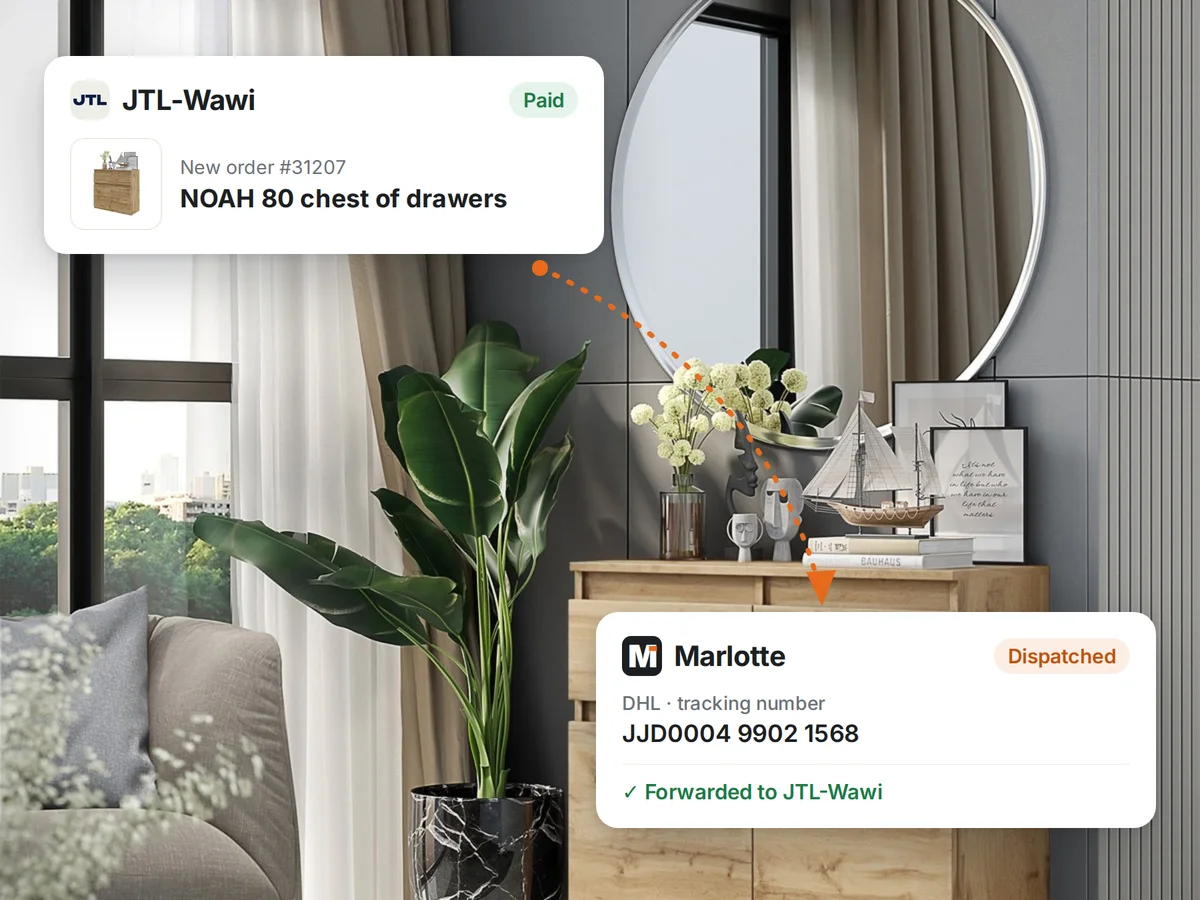
 JTL-Wawi
What are the benefits?
- Customer orders come straight to us from JTL-Wawi — you don’t have to retype any addresses or product numbers.
- With the “Marlotte” app in JTL Hub, orders come in automatically every 5 minutes, and the tracking number is automatically sent back to JTL.
- Without JTL Cloud, you can use the standard JTL features: dropshipping supplier, export template and email dispatch. You don’t need a programmer or a plugin.
- For every order, you’ll receive an automatic email confirmation: either “accepted” or “on hold”, with the reason stated.
The “Marlotte” app in JTL Hub — fully automated
- Install the “Marlotte” app in JTL Hub and enter the connection code from the partner portal.
- For our products in JTL, you enter our SKU for the supplier Marlotte.
- Orders for our products come in automatically every 5 minutes — no email and no need to click ‘Ausliefern’.
- Once the item has been dispatched, the app automatically creates a consignment note in JTL and enters the tracking number into it.
Prerequisite: Your JTL-Wawi is connected to the JTL cloud and the JTL-Wawi API service is running.
An email with an XML file — how it works
- On the partner portal, you are given your own email address for orders. We only accept emails at this address from senders that you specify yourself.
- In JTL-Wawi, you set up Marlotte as your dropshipping supplier and assign our SKUs to your products.
- You paste our ready-made XML file template into JTL. JTL attaches the file to the email containing the order: delivery address, SKU, quantity and delivery note number.
- You can send an order from JTL in just a few clicks. We process it, compare it with your price list and get back to you with the result.
- Once the parcel has been dispatched, the tracking number is sent back to you — via the portal and in a JTL file.
Who is it for?
- Online shops and retailers who manage their orders via JTL-Wawi and wish to add furniture to their range without having their own warehouse.
- Partners who currently enter orders manually or send them by email in any format.
Good to know
- Step-by-step instructions can be found on the partner portal (“Connect your shop” → JTL-Wawi), with the button labels exactly the same as in JTL.
- With the “Marlotte” app, the tracking number is automatically sent to JTL. When dispatching by email, you can import it from a file if you have the paid JTL add-on for importing dispatch data, or enter it manually — it only takes a few clicks per order.
- All our integrations — including Shopify, WooCommerce and Base — are described on the Dropshipping: Integrations page.
Marlotte in numbers
Frequently Asked Questions
Do I need a programmer or a JTL plugin?
No. You install the “Marlotte” app in JTL Hub and link it to the partner portal using a code. Without the JTL cloud, you can use the standard JTL-Wawi features: the dropshipping supplier, the XML export template and order dispatch via email.
How do I know that my order has reached you?
For every order, we automatically send an email confirmation: either that it has been accepted or put on hold, stating the reason. You can also view all orders on the partner portal.
How often does the app collect orders?
Every 5 minutes. It only accepts orders containing our products and only our items — we do not record any other orders.
How is the tracking number sent back to JTL?
With the “Marlotte” app in JTL Hub — automatically: once the parcel has been dispatched, the app creates a consignment note in JTL and enters the tracking number. When sending by email, the number is available on the portal and in a JTL-format file: with the paid JTL add-on for importing dispatch data, you can import it from the file; without it, you’ll need to enter it manually.
Become a Marlotte partner
Register your business — once we’ve approved your application, you’ll be given access to the partner portal, the price list and the JTL guide. Already have an account? Log in to the portal and select “Connect your shop”.
Become a partner